
Most tools stop at metrics and logs.
But real Kubernetes issues often come from misconfigurations and hidden security gaps.
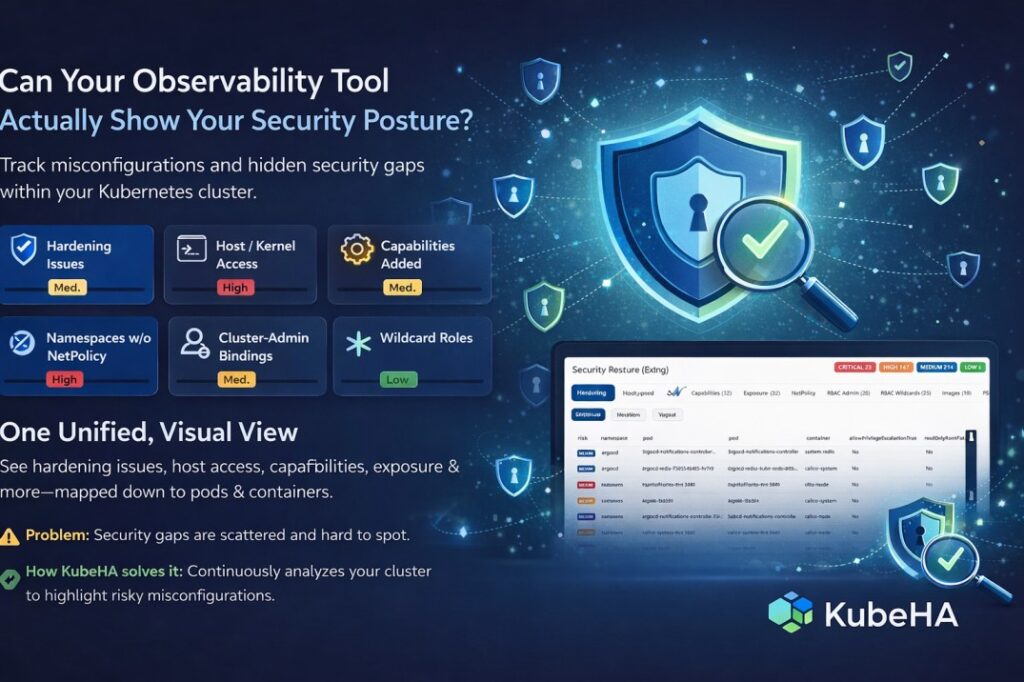
With KubeHA’s Security & Config page, you can easily track:
 Hardening Issues Host / Kernel Access Capabilities Added Public Exposure Namespaces without Network Policies Cluster-Admin Bindings Wildcard Roles Image Hygiene
Instead of manually auditing YAMLs or running multiple tools, KubeHA brings everything into one unified, visual view – mapped down to pods and containers.
 Problem it solves:
Security misconfigurations are scattered, hard to detect, and often missed until it’s too late.
 How KubeHA solves it:
It continuously analyzes your cluster, highlights risky configurations, and gives you clear, actionable insights instantly – no manual digging required.
 Ask yourself: Can your current observability tool show this level of security clarity?
Follow KubeHA (https://linkedin.com/showcase/kubeha-ara/) to learn more about intelligent Kubernetes security.
Book a demo today at https://kubeha.com/schedule-a-meet/
Experience KubeHA today: www.KubeHA.com
KubeHA’s introduction, https://www.youtube.com/watch?v=PyzTQPLGaD0
#DevOps #sre #monitoring #observability #remediation #Automation #kubeha #IncidentResponse #AlertRecovery #prometheus #opentelemetry #grafana, #loki #tempo #trivy #slack #Efficiency #ITOps #SaaS #ContinuousImprovement #Kubernetes #TechInnovation #StreamlineOperations #ReducedDowntime #Reliability #ScriptingFreedom #MultiPlatform #SystemAvailability #srexperts23 #sredevops #DevOpsAutomation #EfficientOps #OptimizePerformance #Logs #Metrics #Traces #ZeroCode